Clear, step-by-step diagnostic and setup guides for printer offline recovery, spooler errors, driver setup, Wi-Fi networking, and hardware resets.
 Status & Connection
5 min read
Status & Connection
5 min read
Diagnose offline printer messages, resolve communication path drops, restore USB & IP connections, and reset active print queues.
 Service & Memory
4 min read
Service & Memory
4 min read
Clear stubborn document bottlenecks from print queues, restart the Windows Spooler background service, and wipe corrupt spool caches.
 Driver & Setup
8 min read
Driver & Setup
8 min read
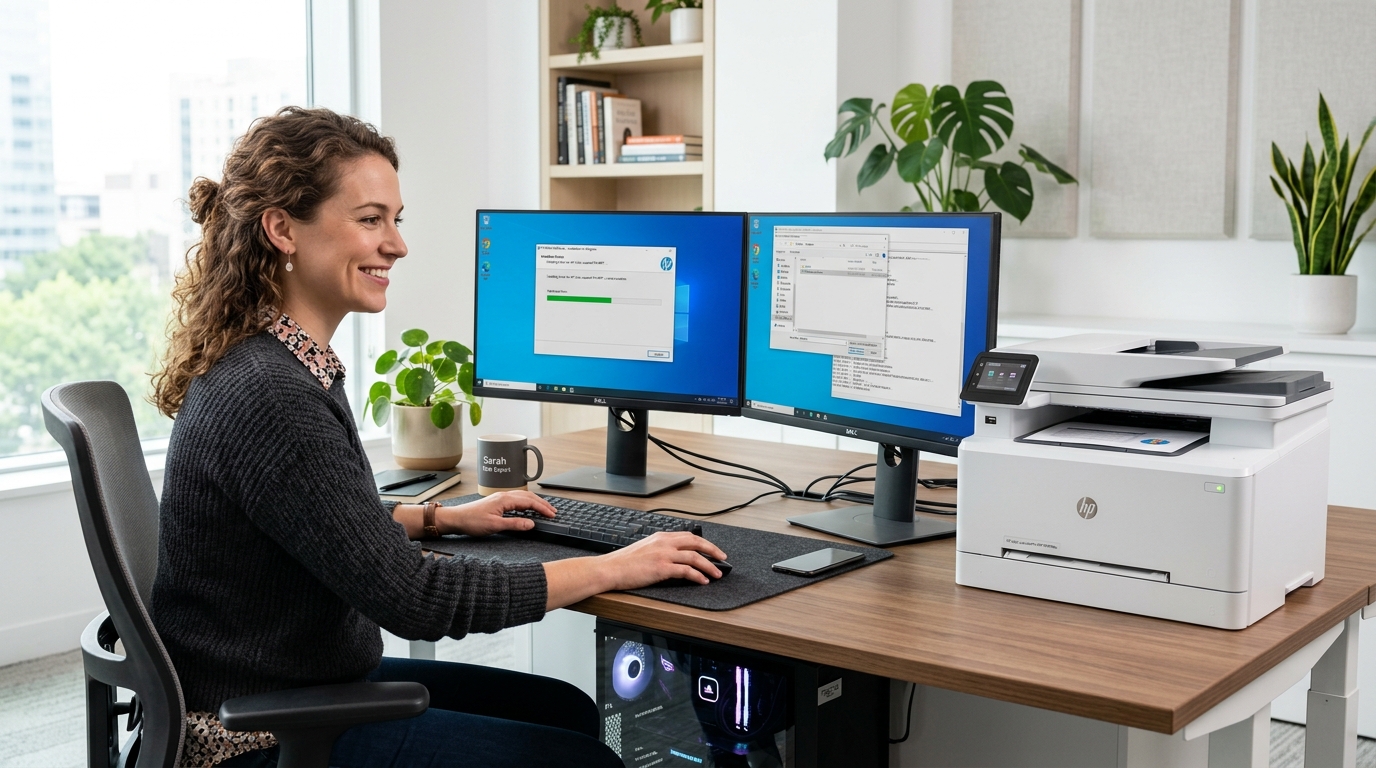
Fix "Driver is unavailable" warnings, install generic INF printer packages, detect missing hardware IDs, and assign virtual USB ports.
 Wireless & LAN
6 min read
Wireless & LAN
6 min read
Connect wireless printers to 2.4/5GHz Wi-Fi networks, configure static DHCP IP addresses, and enable seamless LAN device sharing.
 Hardware & Ink
5 min read
Hardware & Ink
5 min read
Troubleshoot unexpected blank sheet outputs, unclog dried micro-printheads, check cartridge seals, and run print density alignments.
 Hardware & Reset
4 min read
Hardware & Reset
4 min read
Reset internal printer firmware to factory defaults, purge corrupt NVRAM cache memory, and re-initialize built-in network cards.
 System & Diagnostic
7 min read
System & Diagnostic
7 min read
Understand yellow exclamation marks, Code 28 driver errors, and missing printer hardware tokens inside Windows Device Manager.
 Port & Hardware
5 min read
Port & Hardware
5 min read
Fix "USB Device Not Recognized" errors, power cycle USB root hubs, and rebind direct printer communication cables.
No confusing words or risky software. Just simple, step-by-step guides using built-in Windows tools.
Match your printer problem easily—whether it says "Offline", has a stuck print queue, or shows a driver error.
Follow easy, clear instructions using simple Windows settings and standard printer buttons.
Check your printer connection, print a test page, and make sure your printer is ready for daily use.
Practical, easy articles that explain printer connections, stuck print queues, driver setup, and network sharing.
 Printer Status
6 min read
Printer Status
6 min read
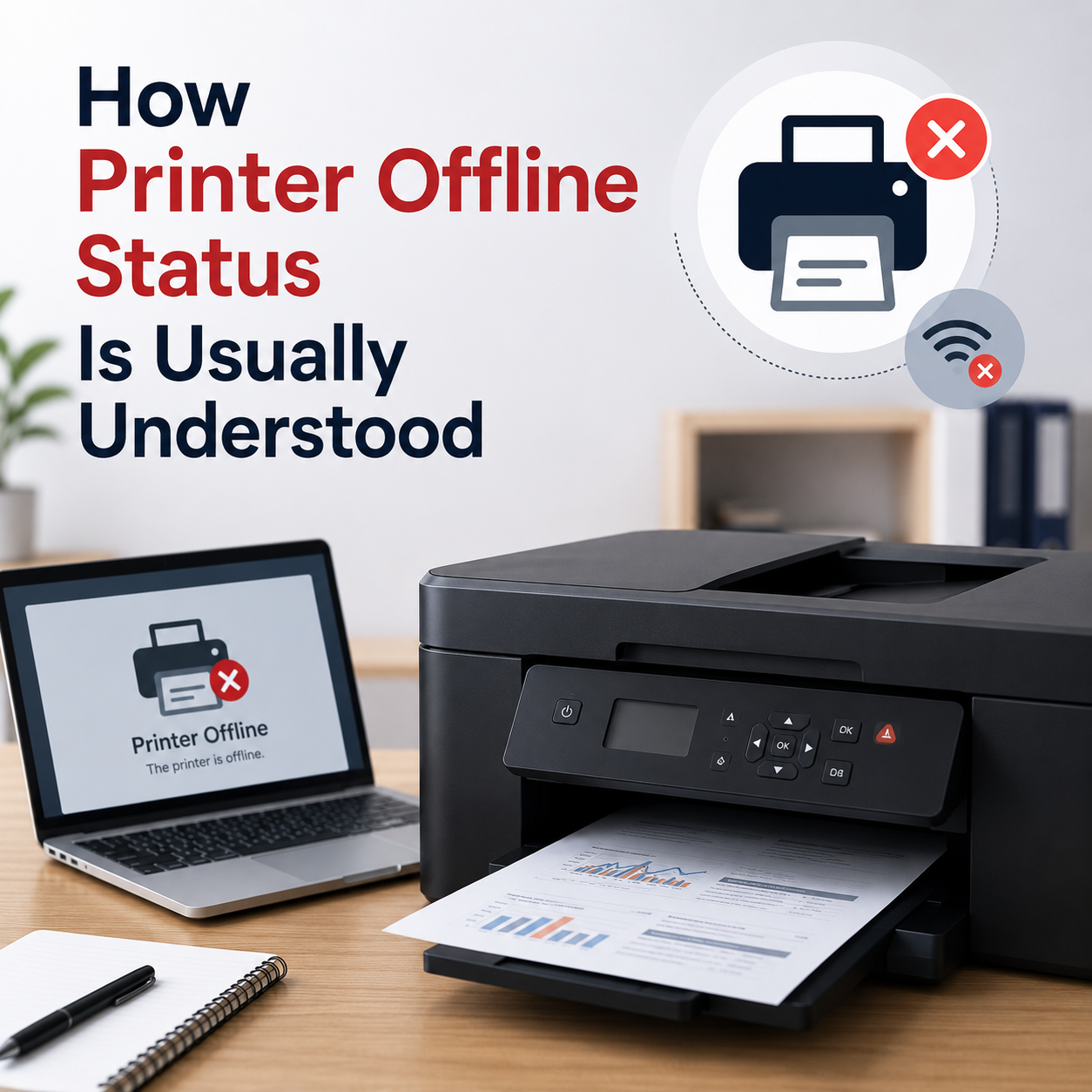
Learn what offline status means in Windows, how print queues operate, and why connection or default profile settings drop.
 Printer Reset
5 min read
Printer Reset
5 min read
Learn how factory resets clear cached printer settings, restore network cards, and wipe corrupted offline memory configurations.
 Print Quality
4 min read
Print Quality
4 min read
Learn common reasons why printers output blank sheets, covering dry ink cartridges, clogged nozzle heads, and driver print rendering.
 Network Printing
7 min read
Network Printing
7 min read
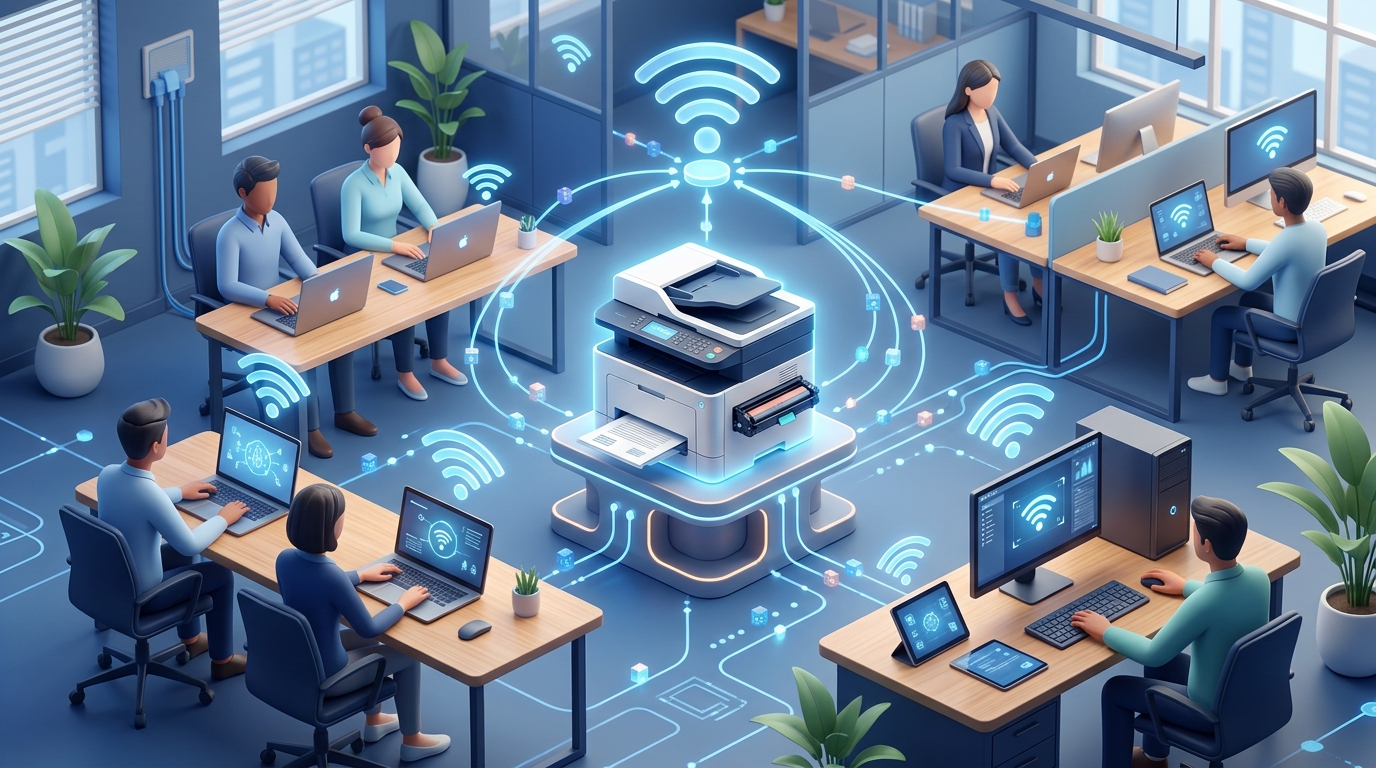
Learn how network sharing works for home printers, how to turn on Windows file and printer sharing, and assign static IP paths.
 Educational Library
Find Your Guide is an independent guide website that explains common printer messages, settings, cables, and Windows setup in simple, clear language.
Each topic is written in simple, easy words so anyone can understand printer problems without confusing terms.
Our guides focus on solving printer errors, understanding device messages, and using built-in Windows tools.
Browse our complete guide library without creating accounts, paying fees, entering credit cards, or installing software.
Read common questions about our free guides, printer help articles, and how our website works.
Our guides are designed for self-paced learning to help you understand what causes device and printer issues.
No remote access, phone callbacks, paid repair, or driver sales are provided.