Select a printer problem below to follow clear, verified self-help instructions.
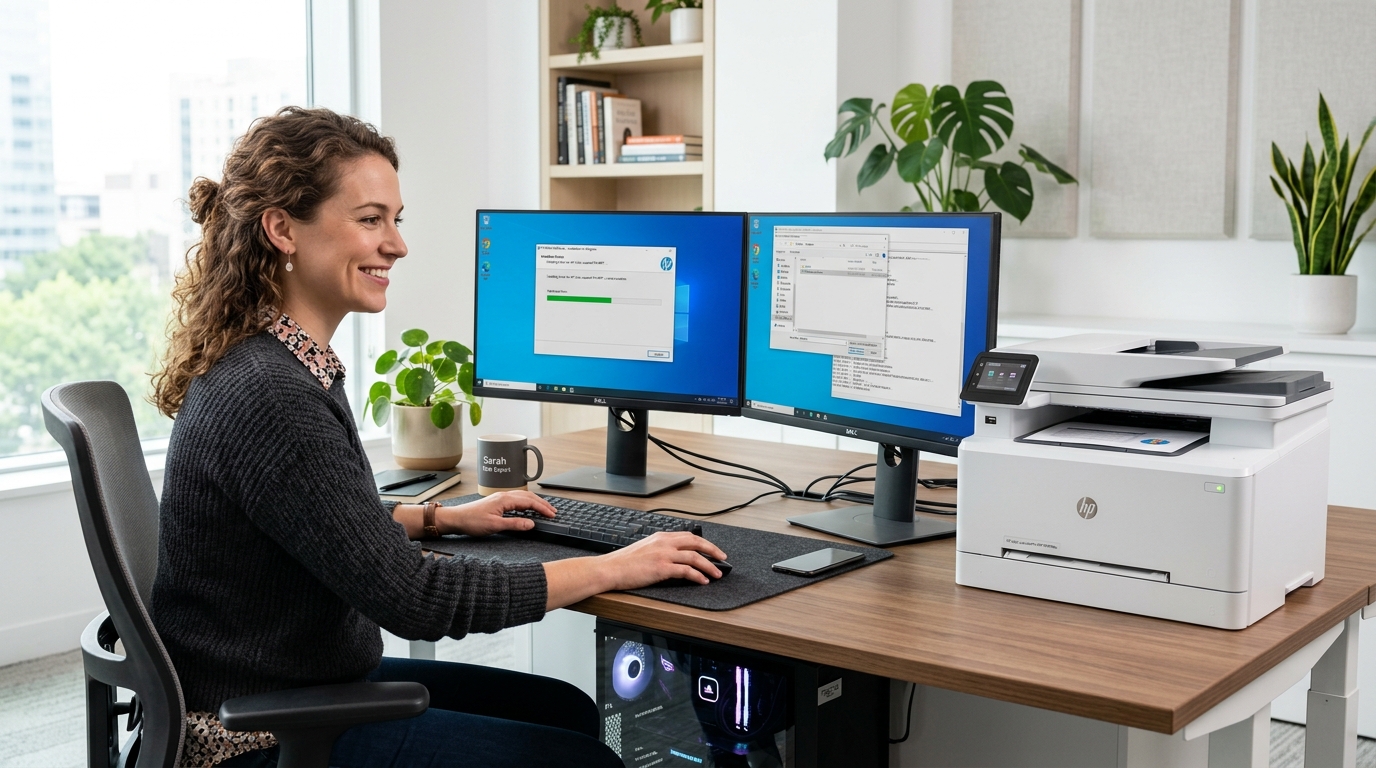 Drivers & Setup
03
Drivers & Setup
03
Fix "Driver is unavailable" alerts, install generic printer packages, detect hardware IDs, and assign virtual USB ports.
 System & Diagnostic
07
System & Diagnostic
07
Understand yellow exclamation marks, Code 28 driver errors, and missing printer tokens inside Windows Device Manager.
Follow every guide in 3 simple steps to diagnose and solve printer errors.
Match your printer symptom—offline status, stuck spooler, missing driver, or blank page.
Follow easy instructions using standard Windows settings and normal printer buttons.
Confirm your printer connectivity and print a clean test sheet to make sure it works.
All content on Find Your Guide is provided solely for general educational and self-help use. We use standard Windows settings and standard manufacturer procedures.